Home — Split hero, perks, categories, bestsellers, a workshop band and reviews.
Every page, and what’s in it
- HomeSplit hero, perks, categories, bestsellers, a workshop band and reviews.
- ShopCategory chips, pet-safe and easy-care filters, sorting and a live count.
- ProductGallery, pot options that change the price, quantity and care tabs.
- Plant careCare guides, a plant doctor enquiry form and a delivery FAQ.
What’s included
- Slide-out basket saved in the browser
- Free-delivery progress bar
- Shop filters, categories and sorting
- Product options that change the price
- Quick checkout form in the basket
- Real photography, credited (CC BY 2.0)
Getting it running
Unzip the folder and run:
Open index.htmlThe download is the complete, unminified source with a README and the licence. Guides for every host, from Netlify to Shopify
DocumentationThe full README that comes in the download. Read it before you buy.
An earthy, photo-led online shop for plants, bonsai and other living or handmade goods: categories, a filterable product grid, a slide-out basket with a free-delivery progress bar and a quick checkout, a full product page with a gallery, pot options that change the price and care tabs, and a care page with a "plant doctor" enquiry form.
Files
index.html       Hero, perks, categories, bestsellers, workshops, reviews
shop.html        Category chips, pet-safe and easy-care filters, sorting
product.html     Gallery, pot options, quantity, add to basket, care tabs
care.html        Care guides, plant doctor form, delivery and returns FAQ
credits.html     Photo credits (keep this if you keep the photos)
assets/style.css All styling; theme tokens (colours, fonts) at the top
assets/app.js    Basket, filters, product options and forms
assets/img/      Photographs, plus credits.json
No build step. Open index.html, or upload the folder to any static host.
Products
Each product card carries its data as attributes, and the basket reads them:
<article class="product" data-product="palm" data-name="Parlour palm"
         data-price="2800" data-img="assets/img/palm.jpg"
         data-cat="houseplants" data-tags="pet easy" data-order="4">
data-priceis in pence (2800 is £28). Keep the visible price in step.data-catmatches the category chips on the shop page (bonsai,houseplants,succulents);shop.html?cat=bonsaiopens pre-filtered.data-tags:pet(pet safe) andeasy(easy care) drive the filters.
On product.html, the pot choices add data-extra pence to the base
data-price on the [data-pdp] section.
The basket is saved in the visitor's browser. FREE_FROM and DELIVERY at
the top of assets/app.js set the free-delivery threshold and the charge.
Taking payment
The checkout validates and confirms but doesn't take money. Common routes:
- Stripe Payment Links: one link per product, and swap "Add to basket" for a "Buy now" link (simplest).
- Snipcart or Shopify Buy Button: both work with plain HTML and keep a basket like this one.
Colours and fonts
Theme tokens are at the top of assets/style.css; the online editor changes
them for you. --moss is the deep green used for the hero and workshop band.
Photo credits
The photographs are licensed CC BY 2.0: you can use them commercially as long
as the photographers are credited, which credits.html does. Replace them
with your own product photography as soon as you can.
assets/img/aeonium.jpg: "Valldemossa" by Alejandro Sánchez Marcos (https://www.flickr.com/photos/alejandrosanchez/1117097103), CC BY 2.0 (https://creativecommons.org/licenses/by/2.0/). Cropped, resized and colour-adjusted.assets/img/agave.jpg: "Agave victoriae reginae (Royal agave)" by Isabelle Acatauassú Alves Almeida (https://www.flickr.com/photos/96386958@N07/16013474401), CC BY 2.0 (https://creativecommons.org/licenses/by/2.0/). Cropped, resized and colour-adjusted.assets/img/alocasia.jpg: "Payaw" by Alma Gamil (https://www.flickr.com/photos/alma_philippinesimages/7843774990), CC BY 2.0 (https://creativecommons.org/licenses/by/2.0/). Cropped, resized and colour-adjusted.assets/img/aloe.jpg: "Plant!" by Milestoned (https://www.flickr.com/photos/baccharus/2840244886), CC BY 2.0 (https://creativecommons.org/licenses/by/2.0/). Cropped, resized and colour-adjusted.assets/img/cat-bonsai.jpg: "Dwarf Hinoki Cypress" by JCardinal18 (https://www.flickr.com/photos/jcardinal18/1388549528), CC BY 2.0 (https://creativecommons.org/licenses/by/2.0/). Cropped, resized and colour-adjusted.assets/img/cat-houseplants.jpg: "Chamaedorea elgans" by lukestehr (https://www.flickr.com/photos/lukestehr/16404871208), CC BY 2.0 (https://creativecommons.org/licenses/by/2.0/). Cropped, resized and colour-adjusted.assets/img/cat-succulents.jpg: "Valldemossa" by Alejandro Sánchez Marcos (https://www.flickr.com/photos/alejandrosanchez/1117097103), CC BY 2.0 (https://creativecommons.org/licenses/by/2.0/). Cropped, resized and colour-adjusted.assets/img/driftwood.jpg: "National Bonsai & Penjing Museum" by William Neuheisel (https://www.flickr.com/photos/wneuheisel/15730143342), CC BY 2.0 (https://creativecommons.org/licenses/by/2.0/). Cropped, resized and colour-adjusted.assets/img/gardenia-bonsai.jpg: "Bonsai" by Andreas D. (https://www.flickr.com/photos/spengler/38400304), CC BY 2.0 (https://creativecommons.org/licenses/by/2.0/). Cropped, resized and colour-adjusted.assets/img/gardenia.jpg: "Gardenia Jasminoides Campana 20140309" by mcgarrett88 (https://www.flickr.com/photos/bonsaitree/13031713165), CC BY 2.0 (https://creativecommons.org/licenses/by/2.0/). Cropped, resized and colour-adjusted.assets/img/hero.jpg: "National Bonsai & Penjing Museum" by William Neuheisel (https://www.flickr.com/photos/wneuheisel/15730143342), CC BY 2.0 (https://creativecommons.org/licenses/by/2.0/). Cropped, resized and colour-adjusted.assets/img/juniper-base.jpg: "Dwarf Hinoki Cypress" by JCardinal18 (https://www.flickr.com/photos/jcardinal18/1388549528), CC BY 2.0 (https://creativecommons.org/licenses/by/2.0/). Cropped, resized and colour-adjusted.assets/img/juniper-detail.jpg: "Dwarf Hinoki Cypress" by JCardinal18 (https://www.flickr.com/photos/jcardinal18/1388549528), CC BY 2.0 (https://creativecommons.org/licenses/by/2.0/). Cropped, resized and colour-adjusted.assets/img/juniper-main.jpg: "Dwarf Hinoki Cypress" by JCardinal18 (https://www.flickr.com/photos/jcardinal18/1388549528), CC BY 2.0 (https://creativecommons.org/licenses/by/2.0/). Cropped, resized and colour-adjusted.assets/img/juniper-pot.jpg: "Dwarf Hinoki Cypress" by JCardinal18 (https://www.flickr.com/photos/jcardinal18/1388549528), CC BY 2.0 (https://creativecommons.org/licenses/by/2.0/). Cropped, resized and colour-adjusted.assets/img/juniper.jpg: "Dwarf Hinoki Cypress" by JCardinal18 (https://www.flickr.com/photos/jcardinal18/1388549528), CC BY 2.0 (https://creativecommons.org/licenses/by/2.0/). Cropped, resized and colour-adjusted.assets/img/maple.jpg: "Trident Maple (Acer buergrianum)" by Jim, the Photographer (https://www.flickr.com/photos/jcapaldi/9086944874), CC BY 2.0 (https://creativecommons.org/licenses/by/2.0/). Cropped, resized and colour-adjusted.assets/img/orchid.jpg: "Purple Dotty" by rjp (https://www.flickr.com/photos/zimpenfish/15650716203), CC BY 2.0 (https://creativecommons.org/licenses/by/2.0/). Cropped, resized and colour-adjusted.assets/img/oxalis.jpg: "Beannachtaí na Féile Pádraig" by Kate Ter Haar (https://www.flickr.com/photos/katerha/6989973221), CC BY 2.0 (https://creativecommons.org/licenses/by/2.0/). Cropped, resized and colour-adjusted.assets/img/palm.jpg: "Chamaedorea elgans" by lukestehr (https://www.flickr.com/photos/lukestehr/16404871208), CC BY 2.0 (https://creativecommons.org/licenses/by/2.0/). Cropped, resized and colour-adjusted.assets/img/podocarpus.jpg: "PDX Pioneer Place Mall 100" by Parker Knight (https://www.flickr.com/photos/rocketboom/6901681519), CC BY 2.0 (https://creativecommons.org/licenses/by/2.0/). Cropped, resized and colour-adjusted.
Reviews
No reviews yet. Only verified buyers can review.
You might also like
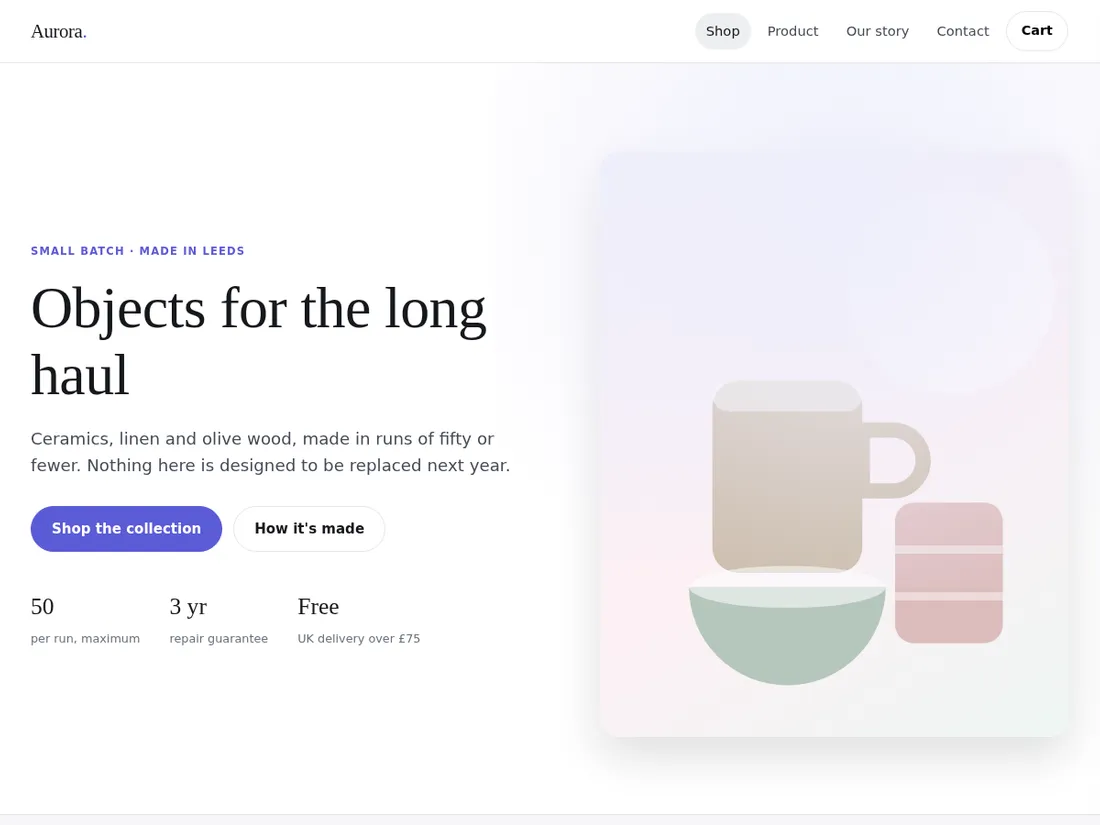 Pro Live preview
Aurora Commerce
Small online store
A four-page storefront with a product grid, a detail page with variant selection, an about page and a contact form.
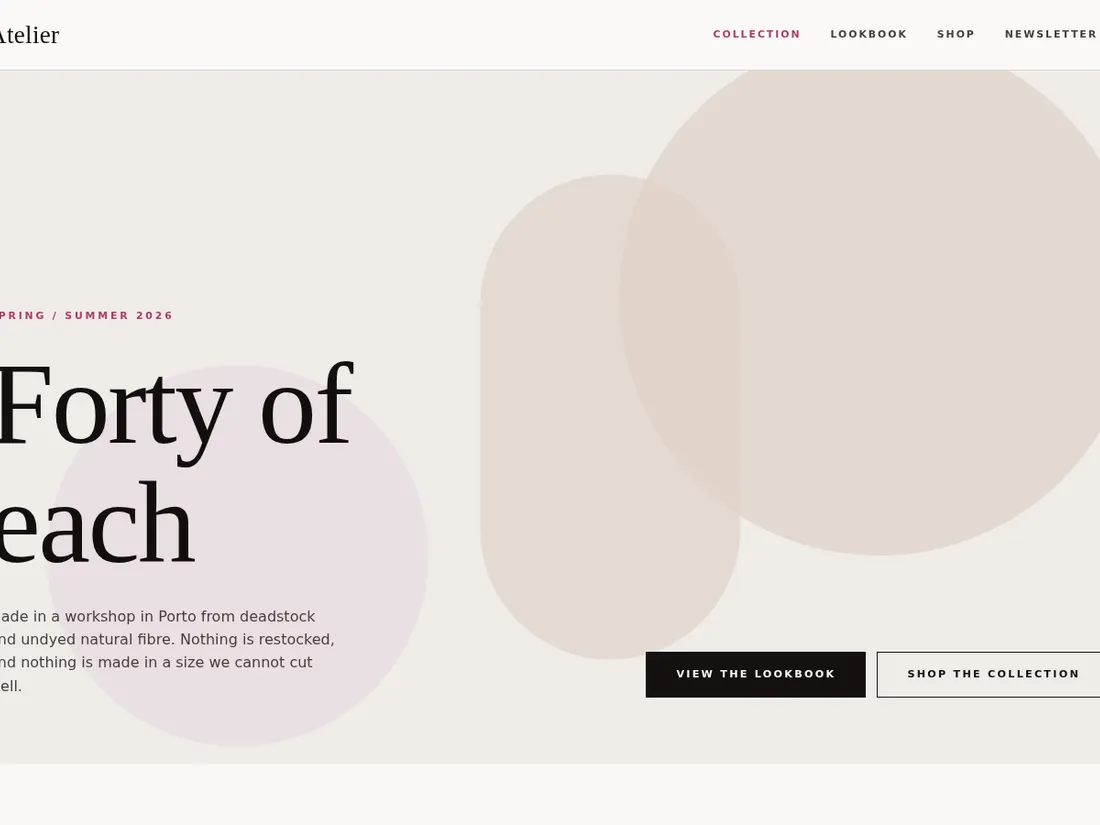 Starter Live preview
Atelier Lookbook
Fashion / editorial
An editorial lookbook with a seasonal landing page, a scrolling lookbook and a simple shop index.
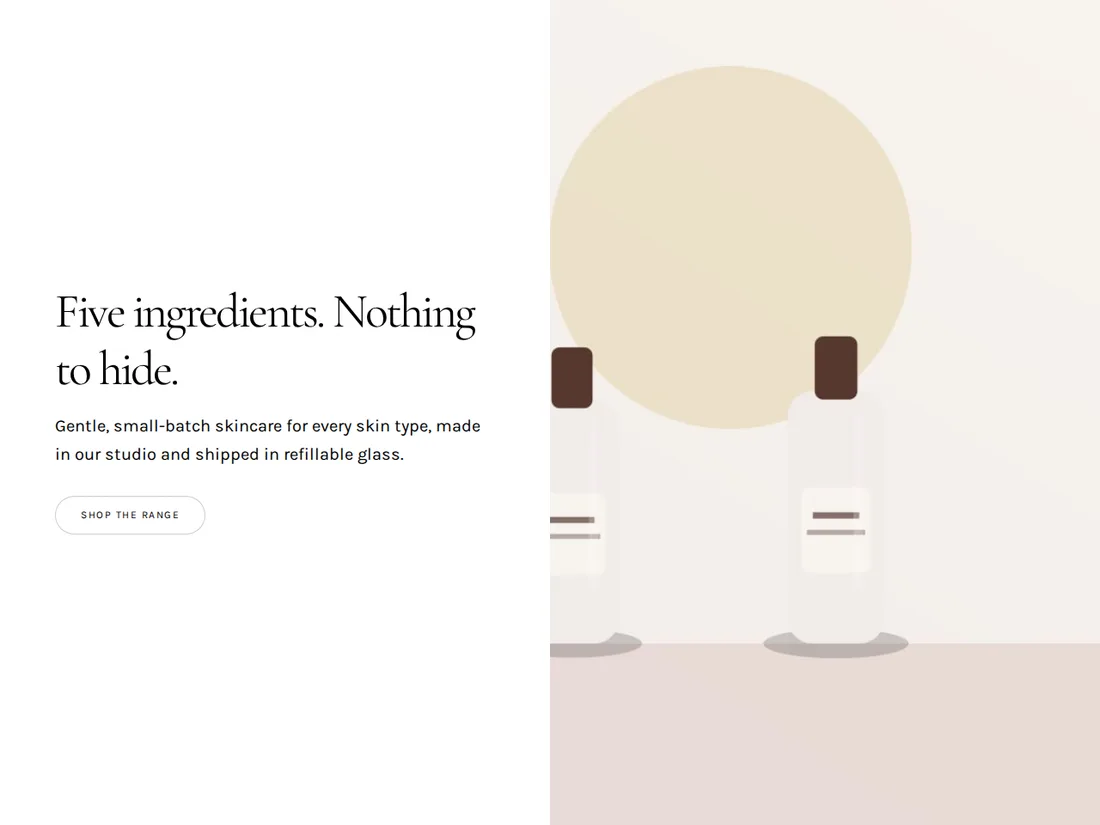 Pro Live preview
Dewline
Skincare shop
A calm, image-led storefront for a skincare brand: hero product, ingredient story, a shop grid and reviews, with plenty of white space.