Storefront — Product grid, collection intro, and a delivery and guarantee strip.
Every page, and what’s in it
- StorefrontProduct grid, collection intro, and a delivery and guarantee strip.
- Product detailVariant and quantity selection, spec table, and a cart drawer held in local state.
- Our storyBrand narrative laid out around process imagery.
- ContactEnquiry form with client-side validation and studio details.
What’s included
- Product grid and detail page
- Variant and quantity selection
- Cart drawer held in local state
- About and contact pages
- Drops into Stripe Payment Links or Snipcart
Getting it running
Unzip the folder and run:
Open index.htmlThe download is the complete, unminified source with a README and the licence. Guides for every host, from Netlify to Shopify
DocumentationThe full README that comes in the download. Read it before you buy.
A product-first storefront for shops with ten to fifty items. Plain HTML, CSS and JavaScript — no build step, no dependencies, no framework.
Files
index.html      Homepage: hero, filterable catalogue, editorial, newsletter
product.html    Product detail with gallery, swatches and accordion
about.html      Story page
contact.html    Contact details and form
assets/style.css  All styling. The :root block at the top is the whole theme.
assets/app.js     Catalogue data, filtering, cart drawer, localStorage
Running it
Double-click index.html. That's it — everything works from the file system.
If you'd rather use a local server:
npx serve .
Changing the products
Open assets/app.js. The first thing in the file is the PRODUCTS array:
var PRODUCTS = [
  { id: 'cw-01', name: 'Stoneware mug, 300ml', price: 2800,
    category: 'Ceramics', badge: 'New', art: ['#e8ddd0', '#c9b9a6', 'vessel'] },
  ...
];
priceis in pence (or cents) —2800renders as£28.00.categorydrives the filter buttons. Add a new one and add a matching<button class="filter" data-filter="Your Category">inindex.html.artis[background, tint, shape]. Shapes:vessel,bowl,fold,board,spoon.
Using real photography
Replace the makeArt() call sites with an <img>:
'<div class="product__media">' +
  '<img src="assets/img/' + product.id + '.jpg" alt="' + escapeHtml(product.name) + '">' +
The .product__media container is already aspect-ratio: 1, so square crops
drop straight in.
Theming
Everything is a custom property at the top of assets/style.css:
:root {
  --accent: #5b5bd6;
  --accent-dark: #4a4ab8;
  --accent-soft: #eeeefb;
  --ink: #16181d;
  ...
}
Change --accent and --accent-soft together — the soft variant is the same
hue at roughly 95% lightness.
The cart
Cart state lives in localStorage under aurora.cart.v1 and survives a
refresh. Quantities, removal, subtotal and the free-shipping threshold
(FREE_SHIPPING_OVER in app.js) are all wired.
Checkout is deliberately not wired. Taking card details requires a server — your Stripe secret key can never sit in front-end code. The button currently shows a note explaining this. To make it real:
// in app.js, replace the alert in the [data-checkout] handler
var response = await fetch('/api/checkout', {
  method: 'POST',
  headers: { 'Content-Type': 'application/json' },
  body: JSON.stringify({ items: cart }),
});
var data = await response.json();
window.location = data.url;
The matching ~40 lines of server code are in the store's Taking payments from
a template tutorial. Look up prices server-side from cart — never trust
prices sent by the browser.
Forms
The newsletter and contact forms validate but don't send. Add an action:
<form action="https://formspree.io/f/YOUR_ID" method="POST">
Set data-success="..." on a form to change its confirmation message.
Accessibility notes
- The cart drawer traps nothing but closes on
Escapeand moves focus to its close button when opened. - Filter buttons use
aria-pressed, not a fake.activeclass. - All animation is disabled under
prefers-reduced-motion. - The marquee is
aria-hidden— it's decorative and its content is repeated.
Browser support
Any browser from the last three years. Uses aspect-ratio, CSS custom
properties, IntersectionObserver (with a fallback) and URLSearchParams.
Reviews
No reviews yet. Only verified buyers can review.
You might also like
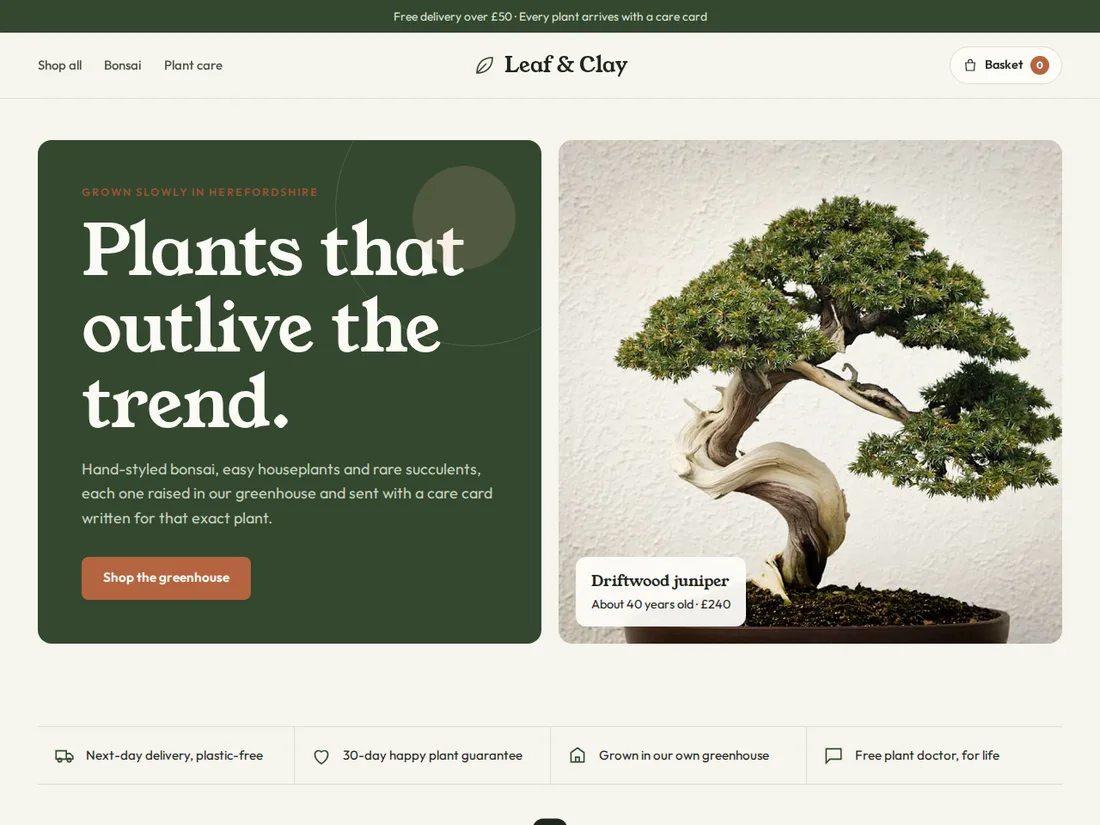 Pro Live preview
Leaf & Clay
Plant & bonsai shop
An earthy online shop with categories, a filterable product grid, a slide-out basket with a free-delivery bar, a product page with options and care tabs, and a care hub.
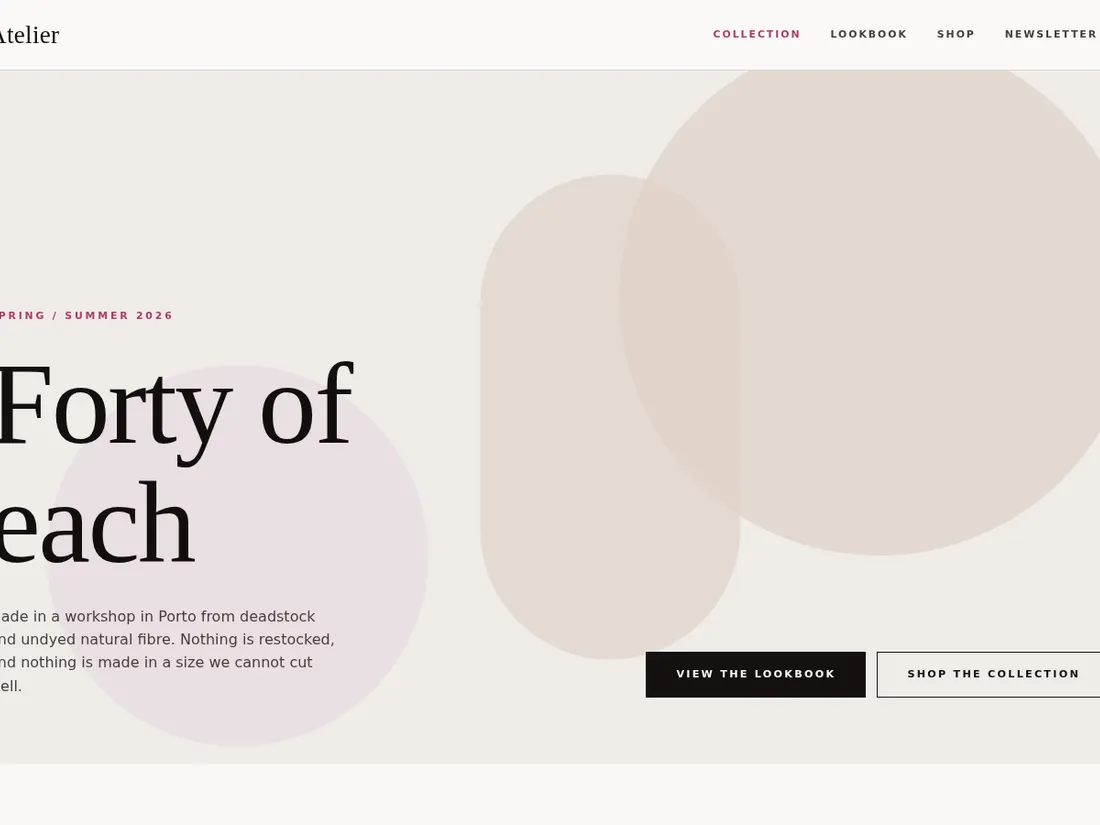 Starter Live preview
Atelier Lookbook
Fashion / editorial
An editorial lookbook with a seasonal landing page, a scrolling lookbook and a simple shop index.
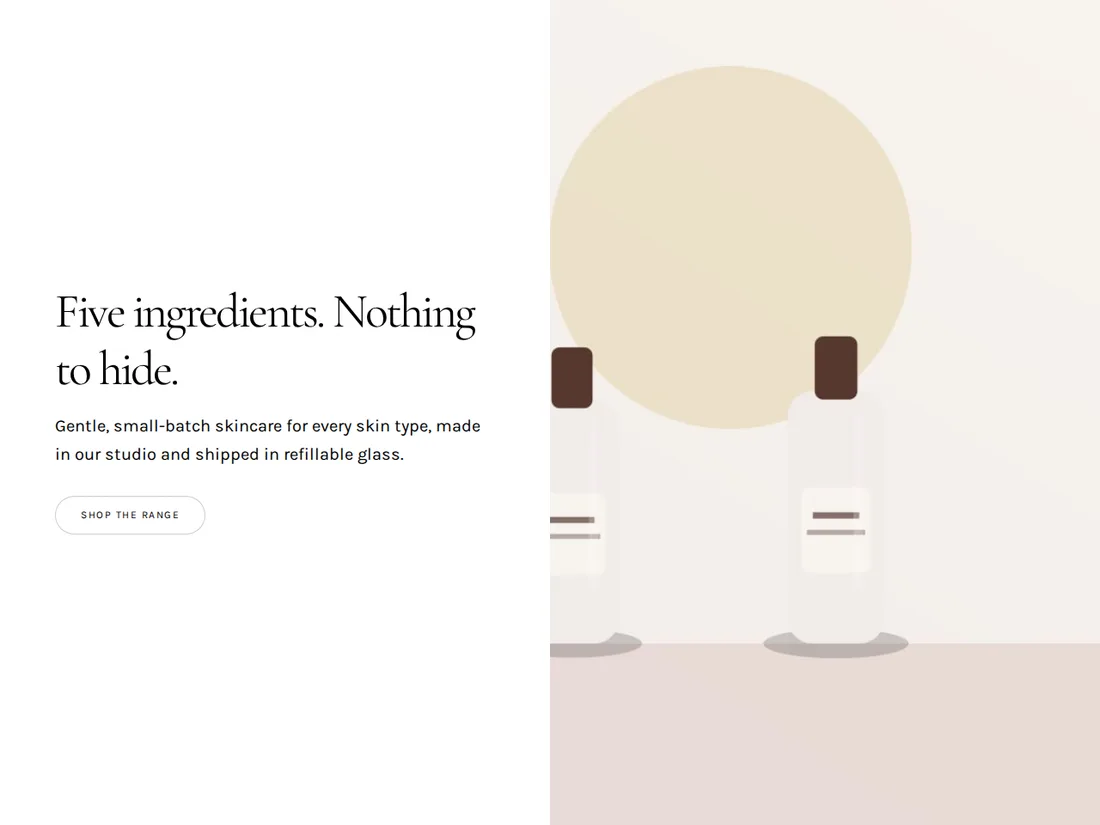 Pro Live preview
Dewline
Skincare shop
A calm, image-led storefront for a skincare brand: hero product, ingredient story, a shop grid and reviews, with plenty of white space.