Overview — Countdown hero, tracks, speakers, venue map, ticket tiers and FAQ.
Every page, and what’s in it
- OverviewCountdown hero, tracks, speakers, venue map, ticket tiers and FAQ.
- ScheduleTwo days of sessions with day tabs, track filters and a personal schedule.
- SpeakersSixteen speakers with monogram avatars, filterable by track.
- TicketsTicket quantities, a live order summary, promo codes and the attendee form.
What’s included
- Live countdown to the first session
- Schedule with day tabs, track filters and starred sessions
- Speaker bios in an accessible dialog
- Ticket checkout with quantities and promo codes
- Hand-drawn venue map
- Works before you have headshots: monogram avatars
Getting it running
Unzip the folder and run:
Open index.htmlThe download is the complete, unminified source with a README and the licence. Guides for every host, from Netlify to Shopify
DocumentationThe full README that comes in the download. Read it before you buy.
A conference site for a one- to three-day event: a live countdown, tracks, speakers with bios, a schedule visitors can filter and star, and a ticket checkout with quantities and promo codes.
Files
index.html       Hero with countdown, why-attend, tracks, speakers, venue map, tickets, FAQ
schedule.html    Two days of sessions, filter by track, star sessions into "My schedule"
speakers.html    Speaker grid with track filter; select a speaker to read their bio
tickets.html     Ticket tiers with quantities, order summary, promo codes, attendee form
assets/style.css All styling; theme tokens (colours, fonts, track colours) at the top
assets/app.js    Countdown, filters, saved schedule, bios dialog and checkout
No build step. Open index.html, or upload the folder to any static host.
The basics to change first
At the top of assets/app.js:
var EVENT_START = new Date("2027-05-13T09:00:00+01:00");
var PRICES = { early: 249, standard: 349, team: 289 };
var PROMOS = { COMMUNITY15: 0.15, SPEAKERFRIEND: 0.2 };
EVENT_STARTdrives the countdown and every "days to go" label.PRICESare whole pounds; the team price is per person (the checkout multiplies by five). Keep the prices shown in the HTML in step.PROMOSmaps each code to its discount (0.15 is 15% off).
Tracks
Each track has a colour in assets/style.css (--track-product,
--track-eng, --track-design, --track-leadership) and a short key used in
data-track attributes. To rename a track, change its label in the HTML; to
add one, add a colour, a filter button and use the new key on its sessions.
Sessions
Each session in schedule.html is one block:
<article class="session" data-session="d1-1030-3" data-day="1" data-track="eng">
  <div class="session__time">10.30<small>40 min</small></div>
  <div>
    <h3>Migrations you can sleep through</h3>
    <p>One-line description.</p>
    <div class="session__meta">…speaker, room…</div>
  </div>
  <button class="star" type="button" aria-pressed="false">…</button>
</article>
data-session must be unique: it's how starred sessions are remembered (in
the visitor's browser, under the key signal-my-schedule). Breaks use
class="session session--break" and have no star.
Speakers
Speakers use monogram avatars (initials on a track-coloured tile), so the site
looks finished before you have headshots. To use a photo, put an <img> inside
.avatar in place of the <span>. The bio shown in the dialog lives in the
<template> inside each speaker card.
Taking payments
The checkout validates and shows a confirmation, but doesn't charge anyone. Point it at your ticketing platform: Stripe Payment Links, Tito, Eventbrite and Pretix all work. The simplest route is to replace the "Continue to payment" button with a link to your ticket shop.
Colours and fonts
Theme tokens are at the top of assets/style.css; the online editor changes
them for you. Fonts are Space Grotesk, Inter and JetBrains Mono from Google
Fonts.
Reviews
No reviews yet. Only verified buyers can review.
You might also like
 Starter Live preview
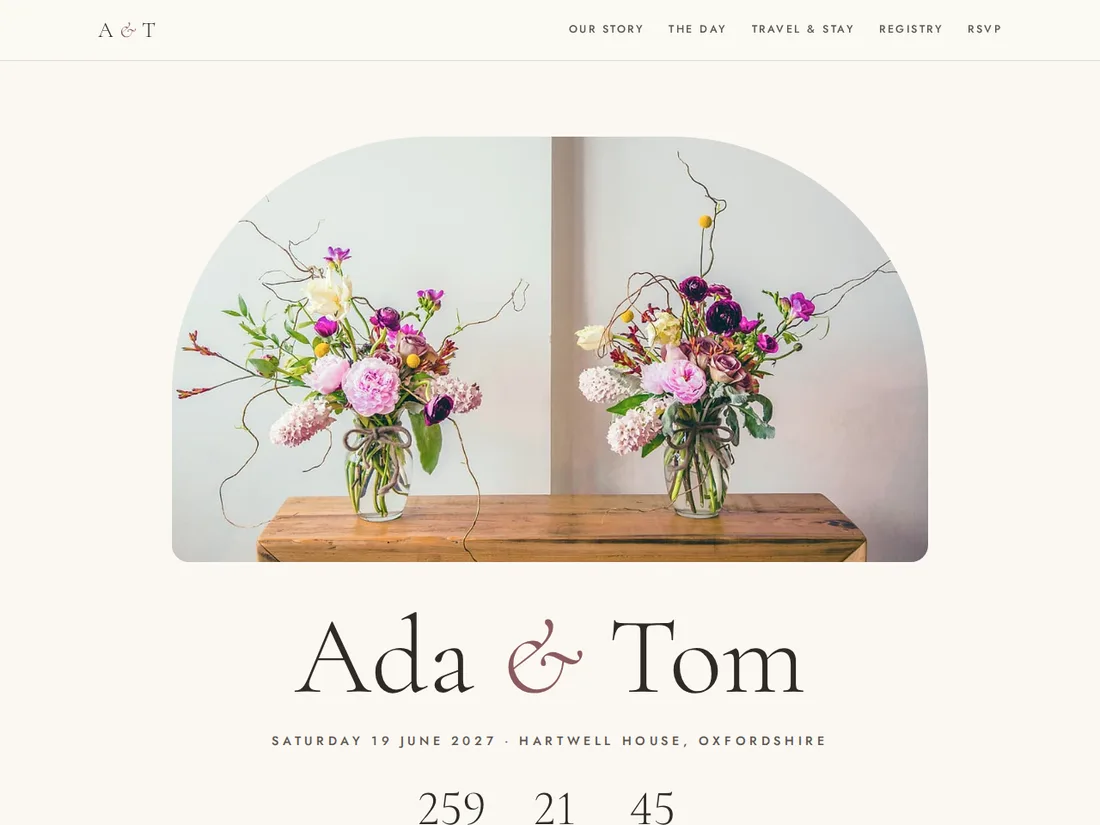
Ada & Tom
Wedding website
A romantic wedding website with a live countdown, your story, the day's timeline, venue and travel details, a registry and an RSVP with meal choices for every guest.
 Pro Live preview
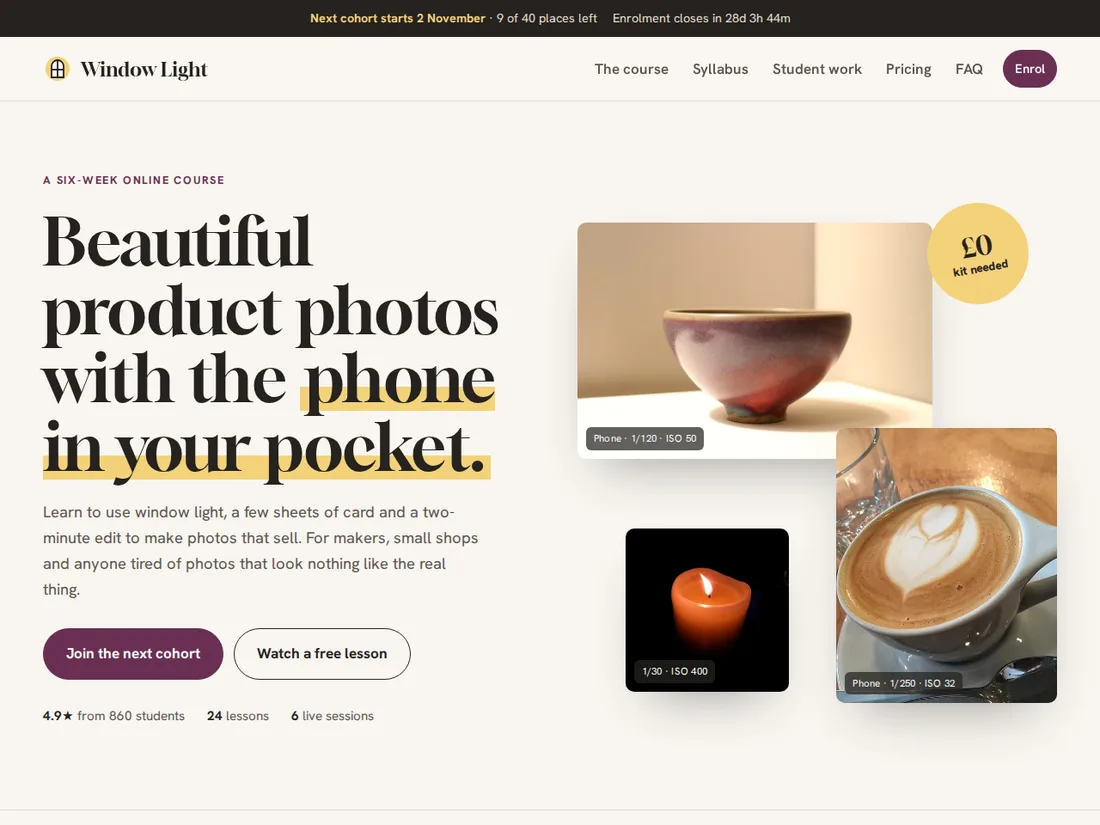
Window Light
Online course & cohort programme
An editorial course sales site with an enrolment countdown, a free-lesson preview, a before-and-after slider, a syllabus with saved progress, plans with instalments, and enrolment with cohorts and discount codes.
 Starter Live preview
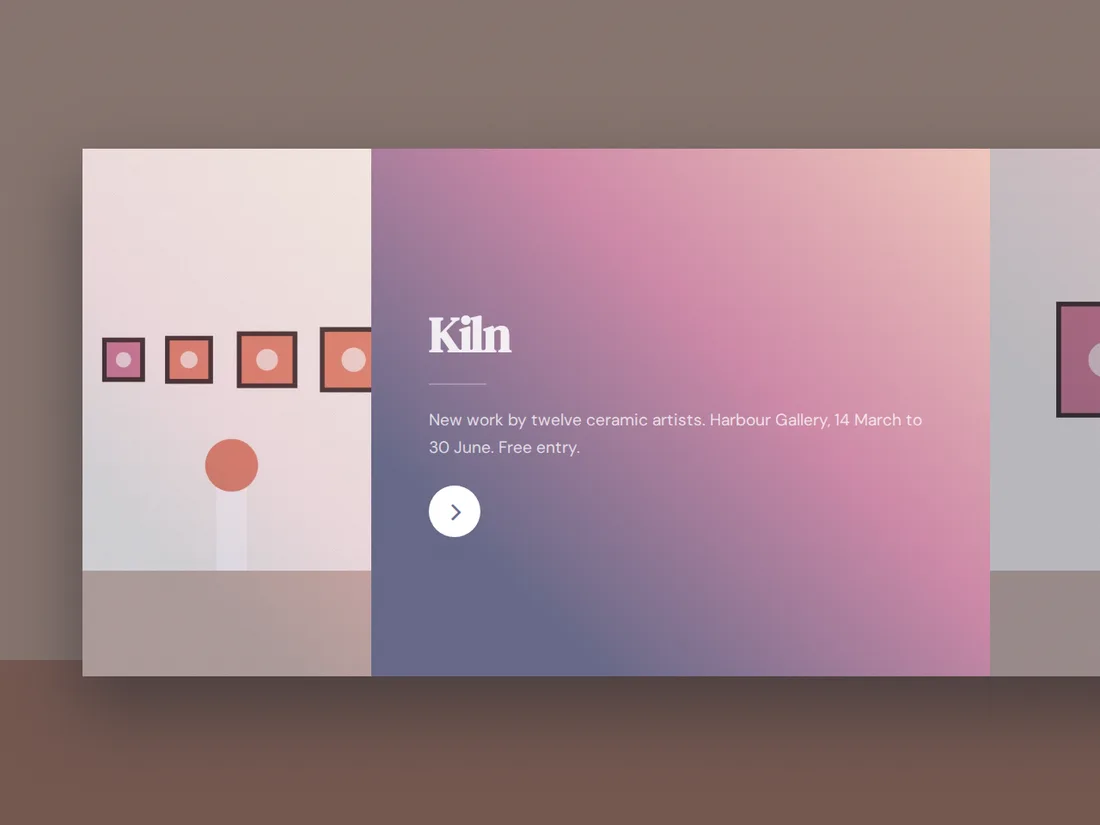
Kiln
Ceramics exhibition
An immersive horizontal-scrolling site for an exhibition: colour panels for the show, the artists, visiting details and tickets.