Home — Hero, class categories and trainer profiles.
Every page, and what’s in it
- HomeHero, class categories and trainer profiles.
- TimetableFilterable weekly schedule by class type and time.
- MembershipPlan comparison feeding a preselected join flow.
What’s included
- Filterable class timetable
- Membership tier comparison
- Trainer profiles
- Join flow with plan preselection
Getting it running
Unzip the folder and run:
Open index.htmlThe download is the complete, unminified source with a README and the licence. Guides for every host, from Netlify to Shopify
DocumentationThe full README that comes in the download. Read it before you buy.
A gym site built around the weekly timetable, which is the page a gym site lives or dies on. High-contrast palette that survives a phone screen in a bright room.
Files
index.html        Hero, timetable, coaches, positioning
timetable.html    Full week plus what each class type actually is
join.html         Membership tiers and the free-trial form
assets/schedule.js   THE TIMETABLE — this is the file you edit every week
assets/app.js        Timetable rendering, filtering, next-class, form
assets/style.css     All styling; theme tokens at the top
Running it
schedule.js is a plain script rather than a fetch, so double-clicking
index.html works with no local server. That was the point of using a global.
Editing the timetable
Everything lives in assets/schedule.js.
{ day: 0, time: '18:00', minutes: 60, name: 'Strength Foundations',
  coach: 'Ade Fashola', type: 'strength', spaces: 0, cap: 12 },
| Field | Notes |
|---|---|
day |
0 = Monday … 6 = Sunday |
time |
24-hour "HH:MM". Sorting and the next-class logic depend on this format |
minutes |
Class length |
name |
Shown in caps |
coach |
Shown as "with …" |
type |
Must match a key in CLASS_TYPES — drives the colour and the filter |
spaces |
0 renders the class as full and turns Book into Waitlist |
cap |
Shown as "4 of 12 left" |
Times are displayed as 6.00pm, converted from the 24-hour value — so you edit
one unambiguous format and readers get the friendly one.
A day with no entries renders a rest-day card rather than an empty list. Sunday is deliberately empty in the sample data so you can see it.
Adding a class type
window.CLASS_TYPES = {
  boxing: { label: 'Boxing', bg: '#fff3e0', fg: '#a6591a' },
};
Then add a filter chip in the HTML (it's on both index.html and
timetable.html):
<button class="type-chip" type="button" data-type="boxing" aria-pressed="false">Boxing</button>
Keep bg very light and fg dark enough to pass contrast against it — these
are small badges and low-contrast ones are unreadable at a glance, which is the
only way anyone reads a timetable.
What updates from the clock
Two things read the visitor's own date and time:
- The current day is preselected and marked with a dot in the day tabs
- The hero shows the next class still to come today, falling through to the next day that has anything on
Both are in app.js and need no server.
Booking
The Book buttons link to join.html as a placeholder. Most gyms should wire
these to whatever system already holds their class registers:
- TeamUp, Glofox, Mindbody — all provide per-class booking URLs;
add a
bookingUrlto each schedule entry and use it ininitTimetable() - Your own system — same change, pointing at your endpoint
The spaces figure in schedule.js is static. If your booking system has an
API, fetch live availability on load and merge it in — that's about ten lines,
and it's the difference between a timetable and a booking page.
The trial form
Validates name and email on submit, with per-field errors, aria-invalid, and
focus moving to the first failure. It doesn't send — point it at your gym
system or your own endpoint, per the store's contact-form tutorial.
Theming
:root {
  --accent: #d63f45;   /* the red */
  --ink: #0c0d10;      /* near-black — borders are 2px, deliberately */
  --dark: #0c0d10;     /* hero and footer */
}
This template leans on weight and contrast rather than colour: 800-weight Archivo for headings, 2px borders, uppercase labels. If you soften the borders to 1px and drop to 600-weight type it turns into a different (calmer, less convincing) gym. Change the accent freely; change the weights carefully.
Accessibility notes
- Day tabs carry a visually-hidden full day name alongside the abbreviation, so screen readers say "Wednesday" rather than "Wed".
- Class type badges never rely on colour alone — the label is always text.
- Filter chips use
aria-pressed; clicking an active one clears the filter. - Full classes are dimmed and say "Full", and their button is disabled rather than silently doing nothing.
- Form errors are per-field with
aria-invalidand focus moves to the first problem. - Animations stop under
prefers-reduced-motion.
Browser support
Anything from the last three years. No build step, no dependencies.
Reviews
No reviews yet. Only verified buyers can review.
You might also like
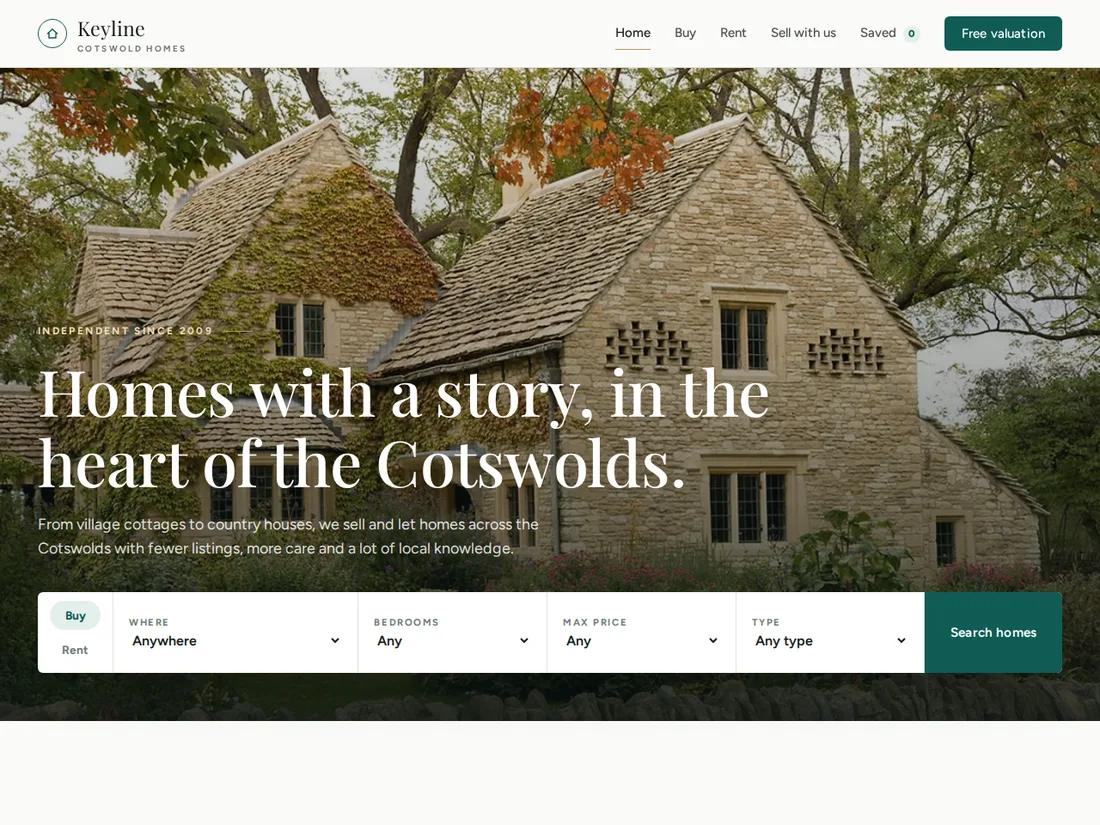 Premium Live preview
Keyline
Estate & letting agent
An elegant estate agent site: a home-page search, listings with real filters and saved homes, a property page with gallery, floorplan and mortgage calculator, and a valuation request.
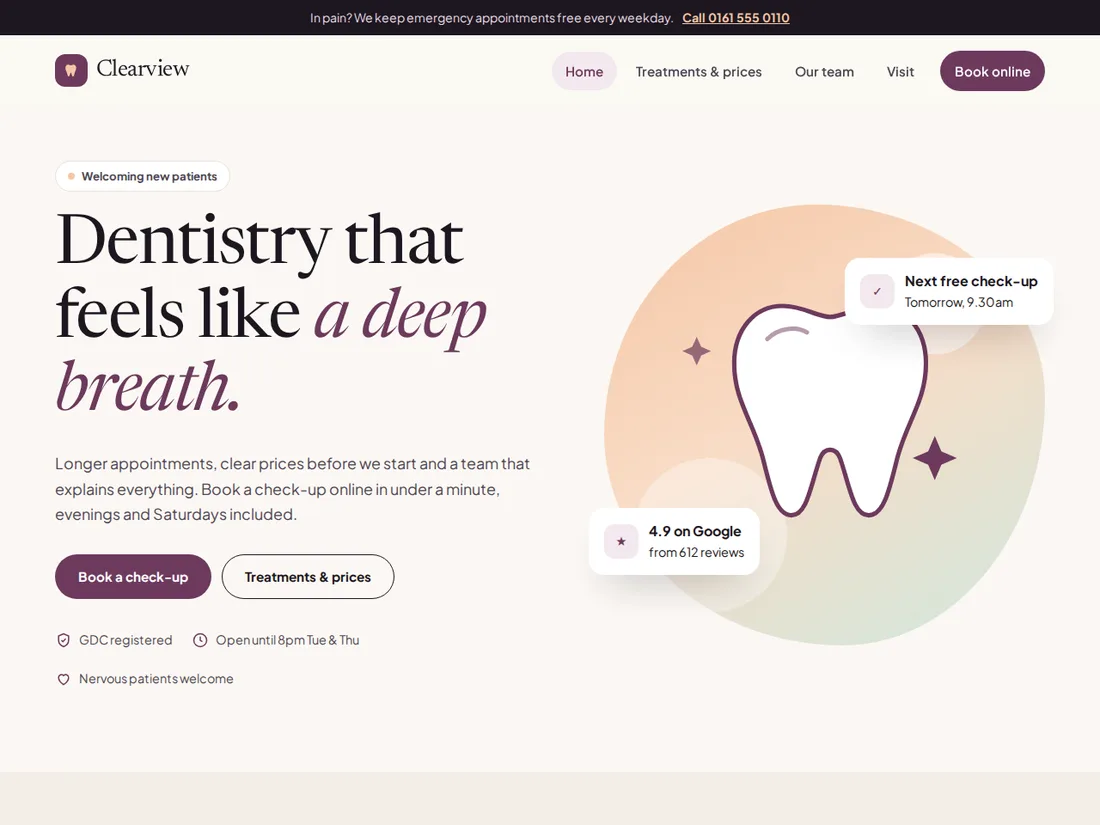 Pro Live preview
Clearview
Dental practice & clinic
A calm, modern practice site: services with prices, a first-visit guide, team, live hours, a membership plan, a 0% finance calculator and online booking.
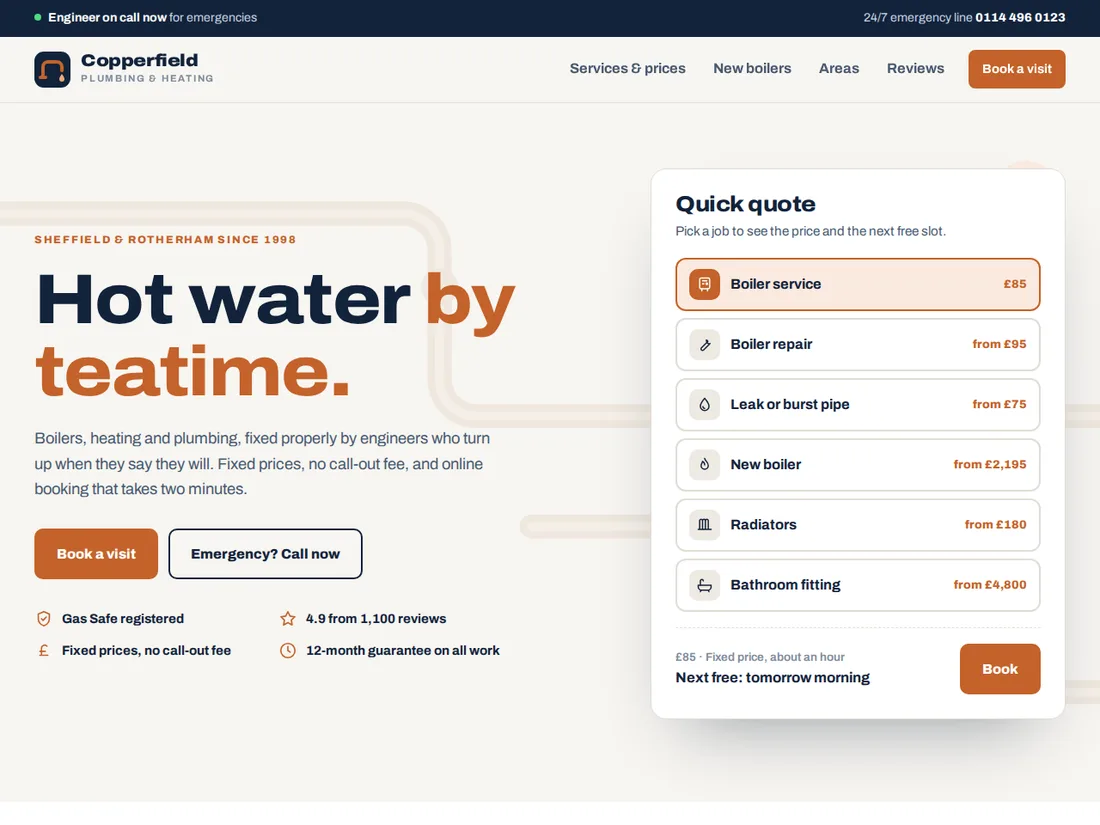 Pro Live preview
Copperfield
Plumber, heating engineer or trade
A trustworthy trades site with a quick quote and next free slot in the hero, published prices, a boiler size calculator with finance, a postcode coverage map and a four-step booking flow.