Home — On-call bar, quick quote with the next free slot, services, steps, coverage map, reviews and FAQ.
Every page, and what’s in it
- HomeOn-call bar, quick quote with the next free slot, services, steps, coverage map, reviews and FAQ.
- Services & pricesPrices in tabs, a boiler size calculator with monthly payments, and a care plan.
- Book a visitJob, tailored questions, day and arrival window, contact details, confirmation.
What’s included
- Quick quote with the next free slot
- Four-step booking with arrival windows
- Boiler size calculator with finance examples
- Postcode coverage checker and drawn area map
- Prices in tabs, VAT included
- Drawn artwork, no photos needed
Getting it running
Unzip the folder and run:
Open index.htmlThe download is the complete, unminified source with a README and the licence. Guides for every host, from Netlify to Shopify
DocumentationThe full README that comes in the download. Read it before you buy.
A trustworthy, conversion-focused site for a plumber, heating engineer, electrician or any trade that books visits: a live on-call bar, a quick-quote card that shows the price and next free slot, published prices in tabs, a boiler size calculator with finance examples, a postcode coverage checker with a drawn map, and a four-step booking flow with arrival windows.
Files
index.html       Hero with quick quote, services, steps, boiler band, areas, reviews, FAQ
services.html    Prices in tabs, the boiler calculator and a care plan
book.html        Booking: job, details, day and window, contact, confirmation
assets/style.css All styling; theme tokens (colours, fonts) at the top
assets/app.js    Quick quote, coverage, tabs, calculator and the booking flow
No build step and no photos to replace: the artwork is drawn in SVG.
Settings
At the top of assets/app.js:
COVERED: the postcode districts you work in (the part before the space). The coverage checker and the booking form use this list.TOWNSis the list of places shown under the map.WINDOWS: arrival windows. The fourth value is a surcharge in pence.WORK_DAYS(0 is Sunday) andDAYS_AHEAD: which days can be booked.ENGINEERS: names used in the confirmation message.BOILERS,CONVERSION,APR,LONG_TERM: boiler price ranges and the finance example.
The booking diary shows some slots as taken so it looks realistic. Connect it to your real calendar (Calendly, Cal.com, Jobber, ServiceM8 and similar tools all have booking links or APIs) before going live.
Questions per job
QUESTIONS in assets/app.js lists the questions asked for each job type:
pills (choose one), multi (choose several), text and area. Answers
appear in the booking summary.
Forms
The booking flow validates and confirms but doesn't send anything yet. Point it at your job management tool, or post it to a form service such as Formspree or Basin.
Regulatory text
"Gas Safe registered" and the registration number in the footer are placeholders. Only show them if your business is registered, and use your own number.
Colours and fonts
Theme tokens are at the top of assets/style.css; the online editor changes
them for you. --navy is the dark brand colour. The font is Archivo from
Google Fonts (SIL Open Font Licence), using its width axis for the wide
headings.
Reviews
No reviews yet. Only verified buyers can review.
You might also like
 Premium Live preview
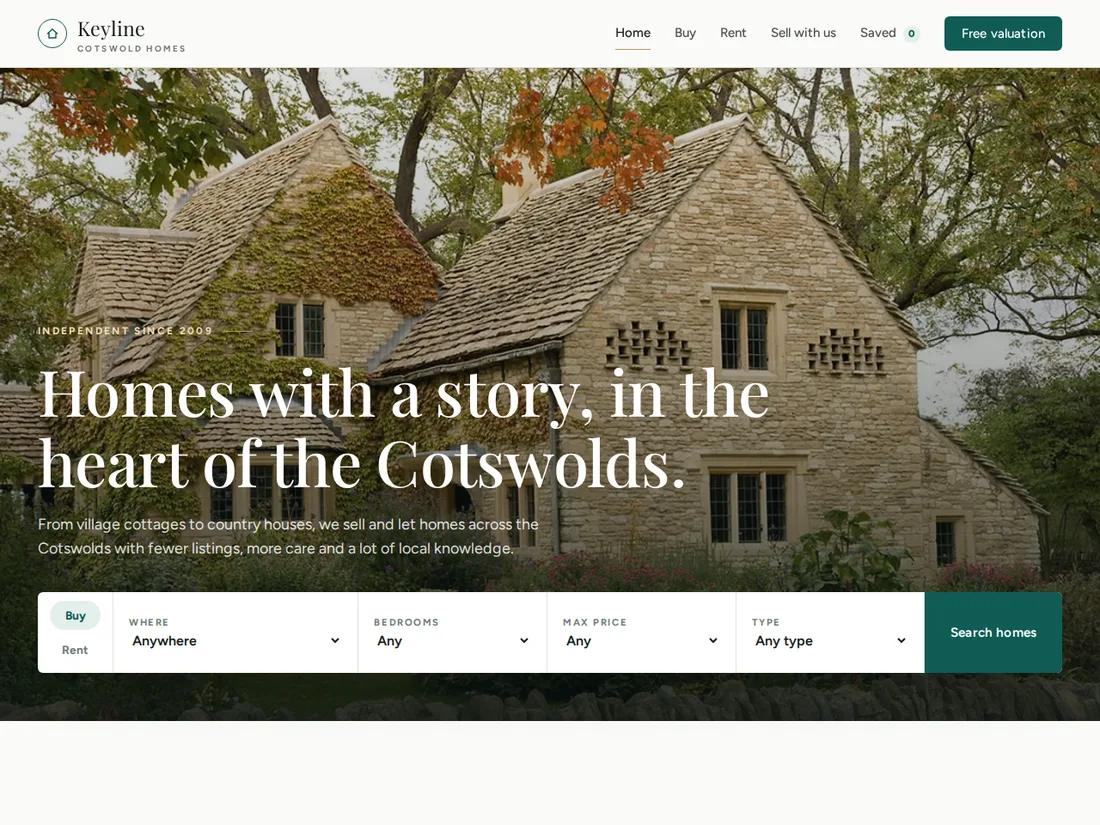
Keyline
Estate & letting agent
An elegant estate agent site: a home-page search, listings with real filters and saved homes, a property page with gallery, floorplan and mortgage calculator, and a valuation request.
 Pro Live preview
Clearview
Dental practice & clinic
A calm, modern practice site: services with prices, a first-visit guide, team, live hours, a membership plan, a 0% finance calculator and online booking.
 Starter Live preview
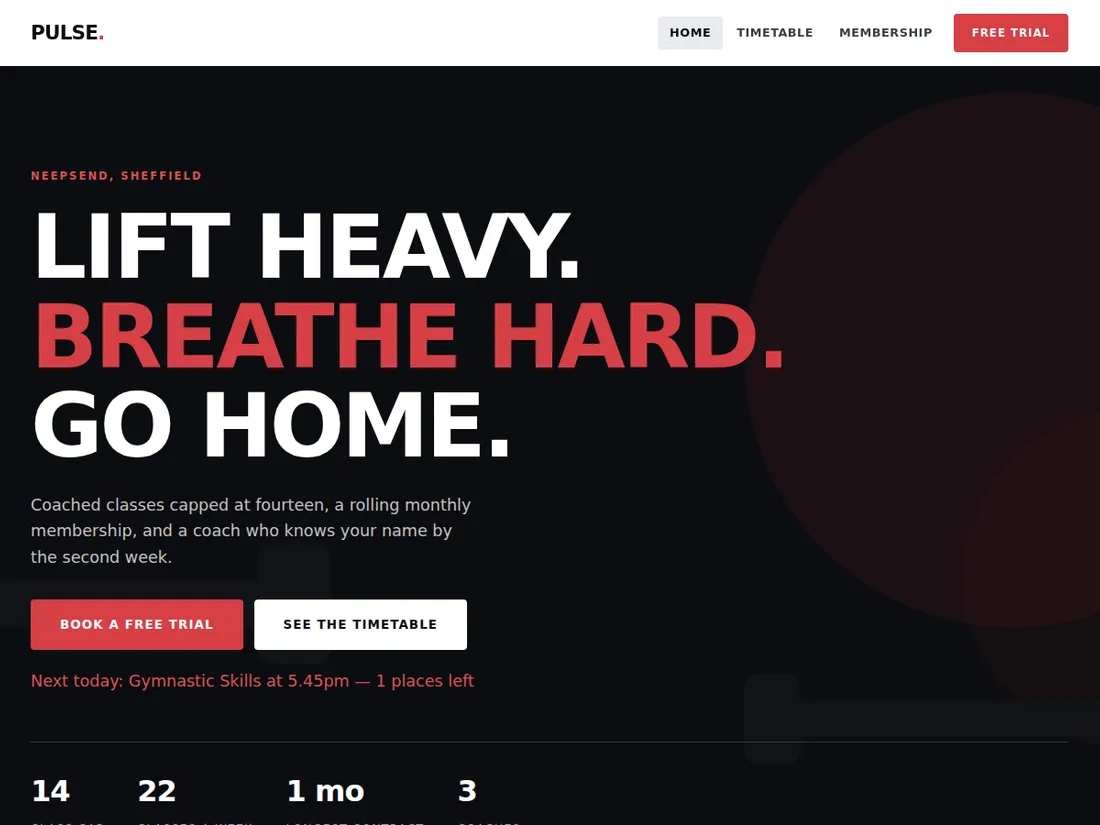
Pulse Fitness
Gym / classes
A gym site built around the timetable, because that is what members come back for. Includes a membership comparison.