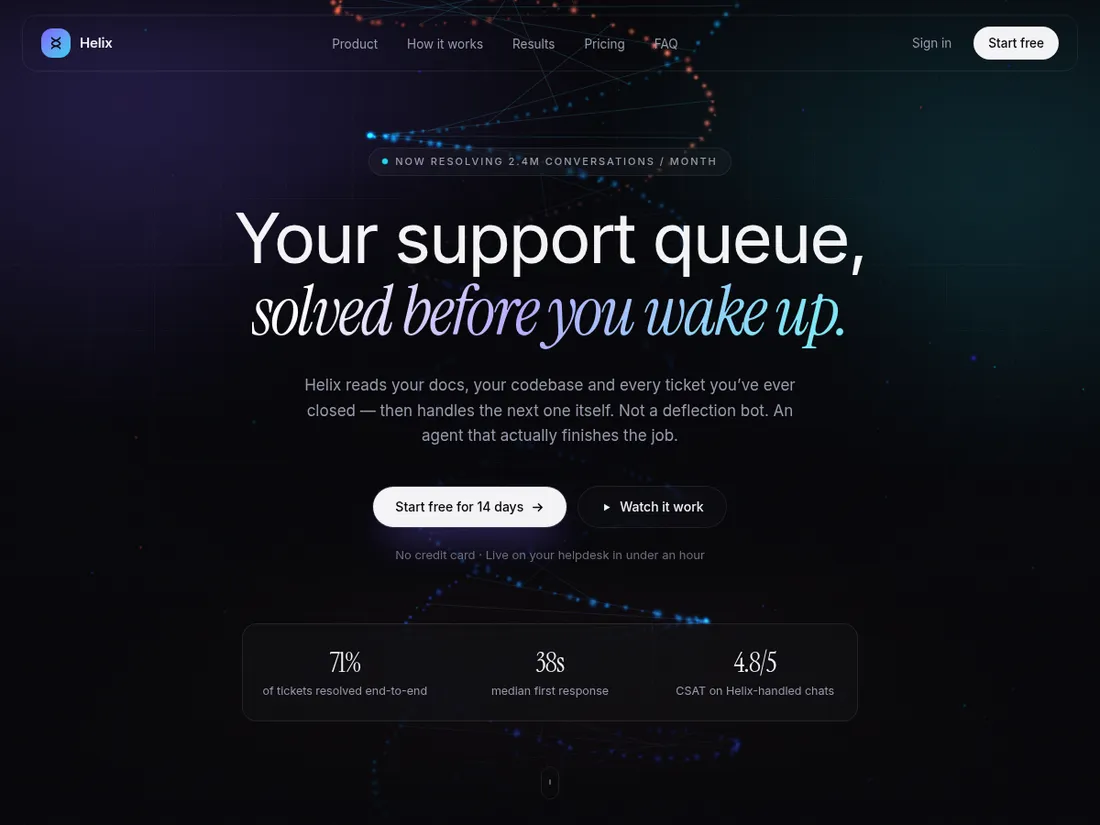
Helix is a Next.js project, so it runs after npm install rather than in a preview frame.
Every page, and what’s in it
- Landing pageNine sections: WebGL hero, live product demo, bento features, scroll timeline, metrics, testimonials, pricing, FAQ and capture.
What’s included
- WebGL particle hero with custom GLSL shaders
- Self-playing product demo section
- Bento feature grid with cursor spotlights
- Scroll-driven timeline and animated counters
- Pricing toggle, animated FAQ, email capture
- SEO metadata, sitemap and JSON-LD
Getting it running
Unzip the folder and run:
npm install && npm run devThe download is the complete, unminified source with a README and the licence. Guides for every host, from Netlify to Shopify
DocumentationThe full README that comes in the download. Read it before you buy.
A dark, cinematic landing page for an AI product: a hand-written WebGL particle hero, a self-playing product demo, bento features, a scroll timeline, pricing, FAQ and an email capture. Built with Next.js, React, Tailwind CSS v4, three.js and Framer Motion.
Running it
You need Node.js 20 or newer.
npm install
npm run dev      # http://localhost:3000
npm run build    # production build
Deploying
Push the folder to GitHub and import it at vercel.com/new. No settings need changing. Netlify and any other Next.js host work too.
Files
app/layout.js        Site name, description, fonts and social metadata
app/page.js          The page: the order of the sections, plus FAQ JSON-LD
app/globals.css      Theme colours and fonts in the @theme block at the top
app/sitemap.js       Sitemap for search engines
components/          One file per section (Hero, Features, Pricing, FAQ…)
components/HelixCanvas.jsx   The WebGL particle hero
components/ui.jsx    Shared buttons and small building blocks
Making it yours
- Name and description —
SITEandmetadataat the top ofapp/layout.js. - Colours — the
@themeblock at the top ofapp/globals.css. Every component uses these names (violet,cyan,ember…), so changing a value there recolours the whole site. - Copy — each section's text lives in its own file in
components/. - Sections — add, remove or reorder them in
app/page.js. - FAQ — update both
components/FAQ.jsxand thefaqSchemainapp/page.js, so search engines see the same answers as visitors.
Connecting the email form
The form in components/CTA.jsx validates the address and shows a success
state, but does not send it anywhere. Post it to your email provider's
signup endpoint, a Formspree form, or a Next.js route handler of your own.
Licence
See LICENSE.txt.
Reviews
No reviews yet. Only verified buyers can review.
You might also like
 Premium Live preview
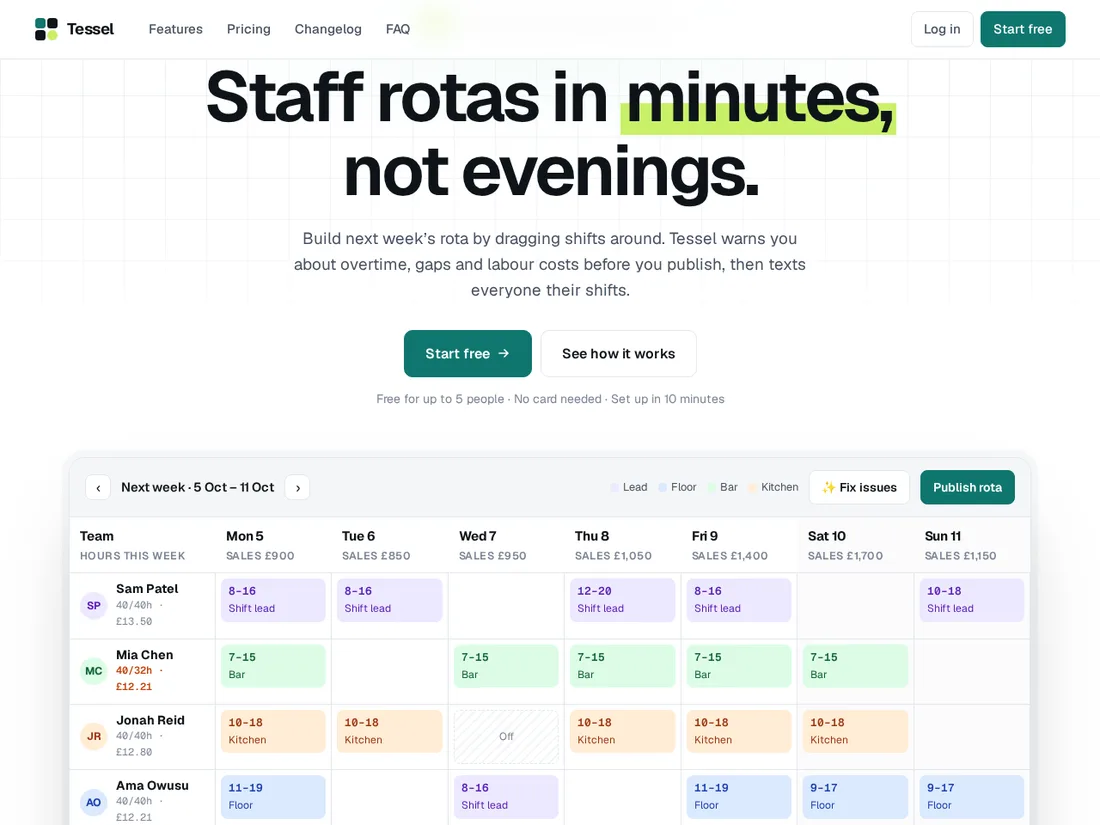
Tessel
SaaS product site with a live demo
A modern SaaS site whose hero is a working product: drag shifts around a staff rota and watch costs and rule checks update. Plus a feature tour, pricing calculator, changelog and onboarding wizard.
 Starter Live preview
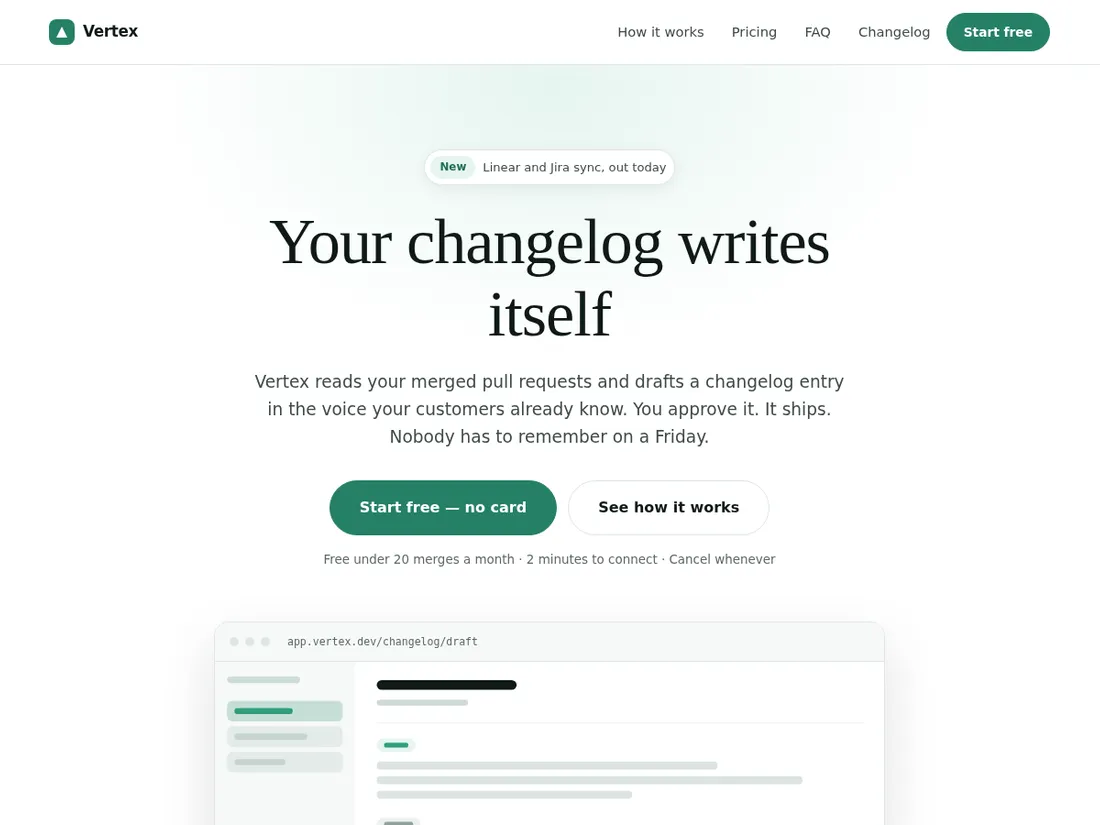
Vertex Launch
SaaS landing page
A focused product launch page with a hand-drawn SVG app mockup, a how-it-works walkthrough, pricing and a changelog page.
 Pro Live preview
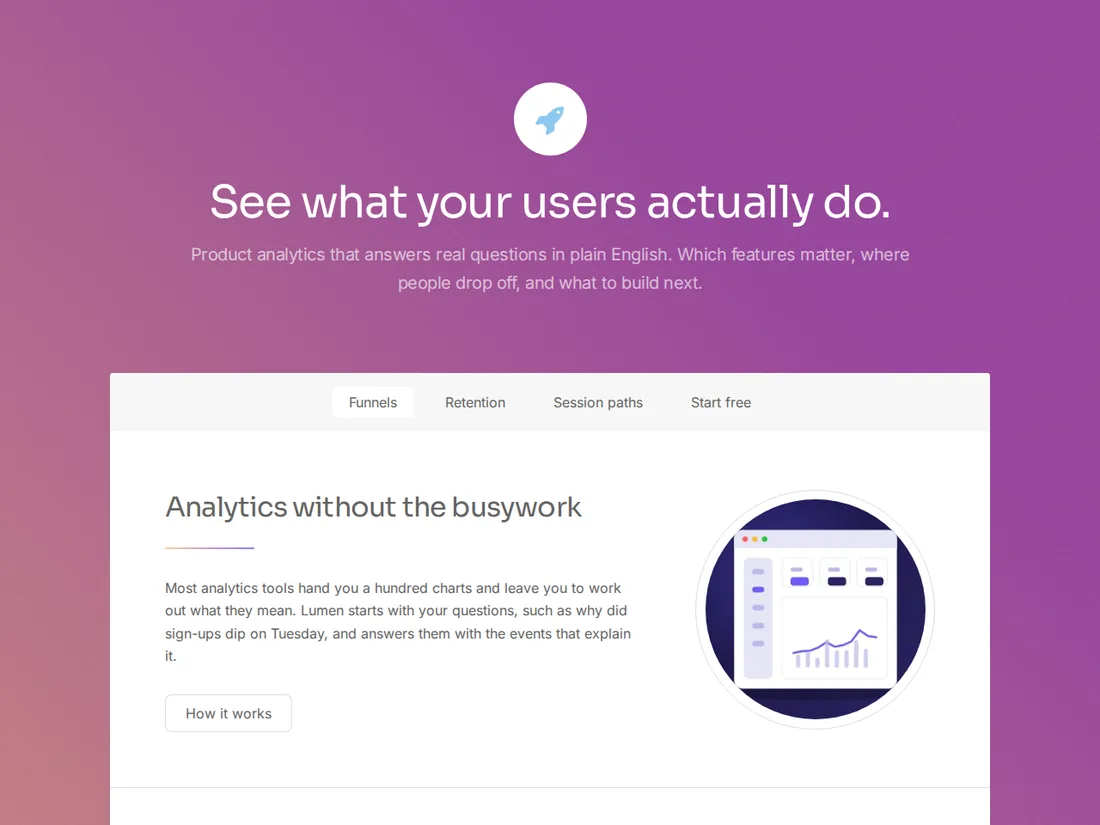
Lumen
Product analytics
A soft-gradient launch site for an analytics product: sticky section nav, feature stats, pricing and a get-started page.