Next cohort starts 2 November · 9 of 40 places left
Window Light
A six-week online course

Beautiful product photos with the phone in your pocket.

Learn to use window light, a few sheets of card and a two-minute edit to make photos that sell. For makers, small shops and anyone tired of photos that look nothing like the real thing.
Join the next cohort
4.9★ from 860 students24 lessons6 live sessions
£0kit needed
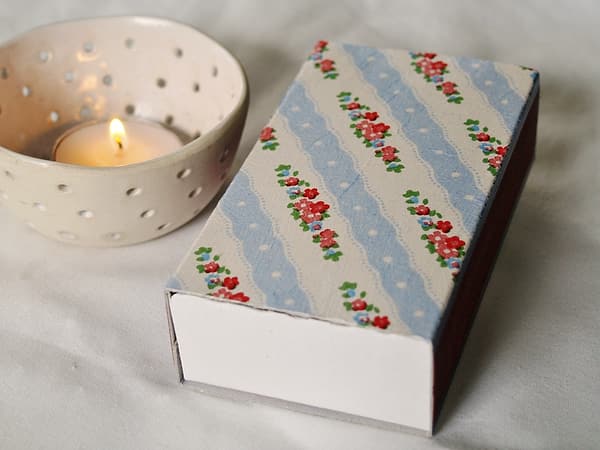
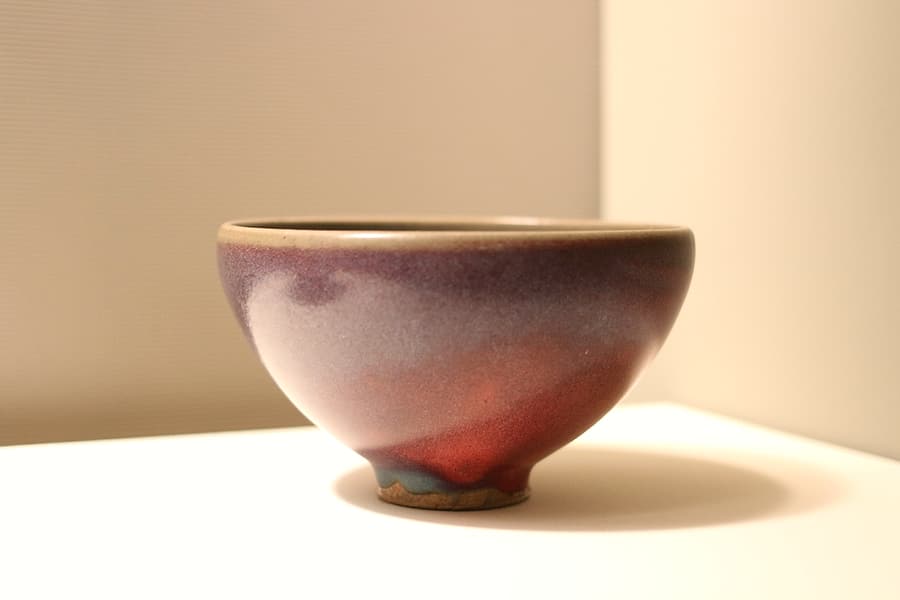
A glazed ceramic bowl on a white surface in soft window light
Phone · 1/120 · ISO 50
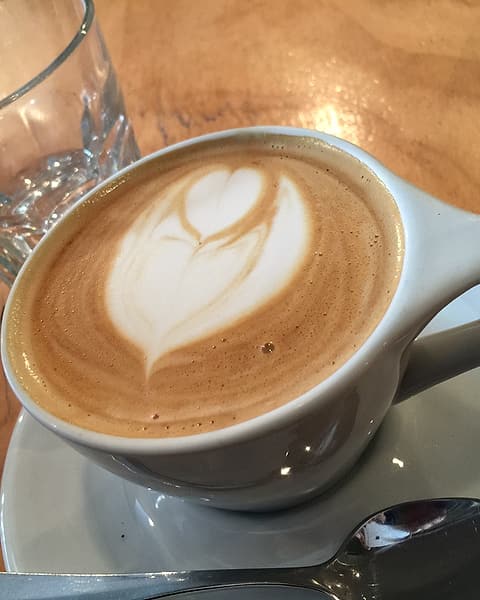
A latte with a heart pattern on a wooden table
Phone · 1/250 · ISO 32
An orange pillar candle glowing in the dark
1/30 · ISO 400
As seen inMakers MonthlyThe Small ShopStudio NotesCraft Weekly
What you’ll learn

Six weeks. One window. Photos you’re proud of.

No jargon, no expensive kit. Each week is one idea, a few short lessons and an assignment you shoot at home.

1

Read any light

Know which window, which hour and which side of the object before you take a single photo.

2

Master your phone

Exposure lock, RAW, portrait mode and the settings most people never find.

3

Build a tiny studio

Card, paper and a chopping board: a £20 set-up that looks like a £2,000 one.

4

Style like a pro

Props, colour and negative space, so your product is always the hero.

5

Edit in two minutes

A repeatable edit for true colours and a consistent look across your shop.

6

Shoot your range

A finished set of twelve photos for your website and socials by week six.

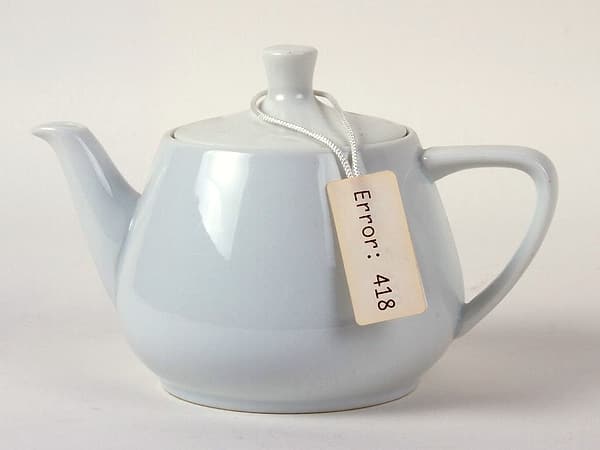
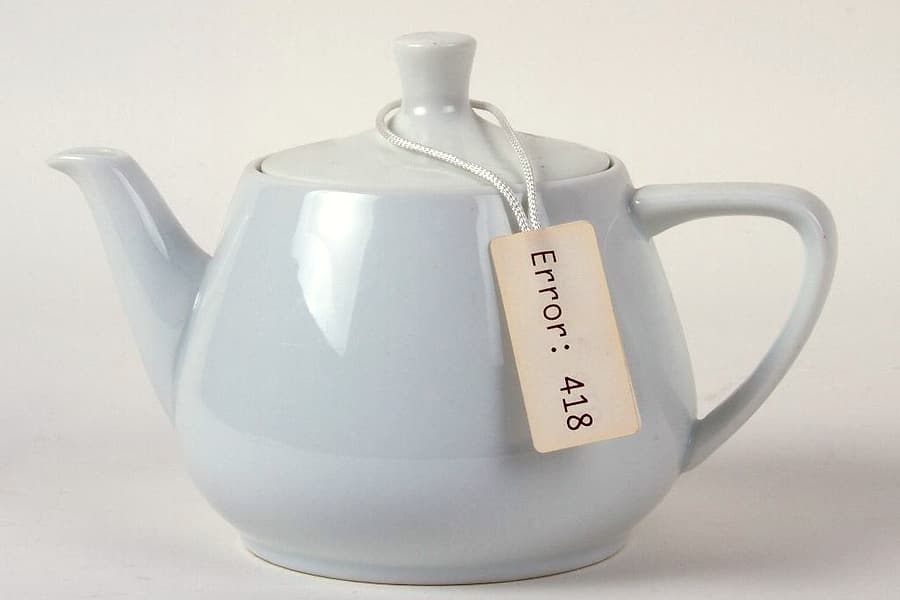
Same phone. Same teapot.

The difference is where you stand.

Drag the slider. On the left, the overhead kitchen light most of us start with. On the right, a north-facing window, a sheet of white card and exposure locked on the brightest part.
  • No new equipment
  • Ten minutes, start to finish
  • You’ll do exactly this in week one
Before: the teapot under flat, yellow overhead light After: the teapot in soft window light with clean whites BeforeAfter
Syllabus

What’s in each week.

24 lessons, most under fifteen minutes. See the full syllabus →

Week 1

Find your light

4 lessons
  1. Video: Why windows beat lamps9 min
  2. Video: North, south and the hour that matters12 min
  3. Worksheet: Light diary worksheetPDF
  4. Assignment: One object, five windows45 min
Week 2

Your phone, properly

4 lessons
  1. Video: Exposure lock and why you need it8 min
  2. Video: Portrait mode: when to use it, when to avoid it10 min
  3. Video: Shooting in RAW on any phone11 min
  4. Assignment: A bowl, three ways40 min
Week 3

Backgrounds & surfaces

4 lessons
  1. Video: The £20 studio14 min
  2. Video: Seamless sweeps and table-top textures9 min
  3. Worksheet: Shopping listPDF
  4. Live: Surface swap, with Q&A60 min
Week 4

Styling & props

4 lessons
  1. Video: Odd numbers and negative space10 min
  2. Video: Props that help, props that shout8 min
  3. Video: Food and drink without the mess13 min
  4. Assignment: A morning coffee set1 hr
Week 5

Editing on your phone

4 lessons
  1. Video: The two-minute edit15 min
  2. Video: White balance for true colours7 min
  3. Worksheet: Preset packDownload
  4. Live: Edit-along60 min
Week 6

Shoot your shop

4 lessons
  1. Video: Planning a 12-photo set11 min
  2. Video: Consistency across a whole range9 min
  3. Assignment: Final project: your product set2–3 hrs
  4. Live: Review and graduation90 min
Student work

Shot on phones, by beginners.

Every photo here was taken by a student during the course, on the phone they already had.

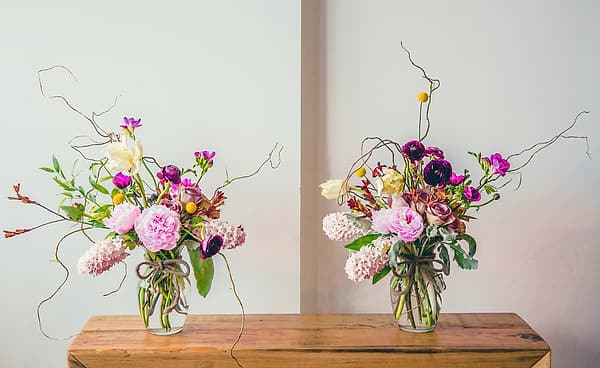
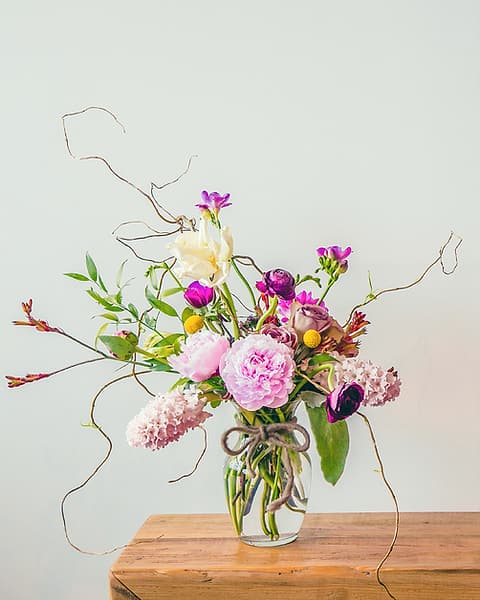
Fresh flowers in two jars on a wooden shelf in a bright studioClara’s studio, Bath
Your teacher

Hi, I’m Clara.

I spent ten years shooting for food and homeware brands with a camera that cost more than my car. Then I started photographing my own pottery on my phone, and realised the camera was never the point. The light was.

I’ve taught more than 860 makers, florists, bakers and shop owners to take photos they’re proud of, and I read every assignment myself.

860+students
14cohorts
4.9★average review
“My shop photos finally look like my pots. Sales went up the month I reshot everything.”
Priya · ceramicist
“The feedback each week was worth the price on its own. Clara notices things I’d never see.”
Jun · tea shop owner
“I was sure I needed a proper camera. I didn’t. I needed to move the table.”
Ellie · florist
Pricing

Choose how you’d like to learn.

Every plan includes lifetime access to the lessons and a 30-day money-back guarantee.

Self-paced

All the lessons, at your own speed, forever.

£129
One payment
  • All 24 lessons and worksheets
  • Preset pack and shopping lists
  • Lifetime access and updates
  • Certificate of completion
Choose Self-paced
Most popular

Cohort

Learn with a group and get feedback every week.

£249
One payment
  • Everything in Self-paced
  • Six live sessions with Clara
  • Written feedback on every assignment
  • Private group for your cohort
Choose Cohort

Mentored

Everything, plus one-to-one time on your own products.

£549
One payment
  • Everything in Cohort
  • Three 1:1 video calls
  • A full review of your shop photos
  • Priority replies for a year
Choose Mentored
30-day guaranteeDo the first two weeks. If you’re not happy, email us within 30 days for a full refund. No forms, no questions.
FAQ

Questions, answered.

Do I need a new phone?

No. Everything in the course works on any phone from the last five years. We show settings for both iPhone and Android.

How much time does it take?

About two to three hours a week: an hour of lessons and an hour or two for the assignment. Self-paced students go at their own speed.

What if I miss a live session?

Every live session is recorded and posted within a day, and you can send questions in advance.

Can I pay in instalments?

Yes. Any plan can be split into three monthly payments at checkout.

What if it isn’t for me?

Email us within 30 days and we’ll refund you in full. No forms, no questions.