Home — Hero, opening hours, location and booking prompt.
Every page, and what’s in it
- HomeHero, opening hours, location and booking prompt.
- MenuCourse sections with prices and dietary marks.
- BookingDate, time and covers form, ready for OpenTable or Resy.
What’s included
- Menu page with course sections and dietary marks
- Booking form ready for OpenTable or Resy
- Opening hours and location block
- Warm, low-light palette
Getting it running
Unzip the folder and run:
Open index.htmlThe download is the complete, unminified source with a README and the licence. Guides for every host, from Netlify to Shopify
DocumentationThe full README that comes in the download. Read it before you buy.
A restaurant site built around the three things every visitor wants before they scroll: what's the food, when are you open, can I get a table.
Files
index.html       Hero, story, menu preview, gallery, booking CTA
menu.html        Full menu plus drinks and the practical stuff
book.html        Reservation form, opening hours, location
assets/menu.js     THE MENU — this is the file you'll edit most
assets/app.js      Menu tabs, opening hours, booking validation
assets/style.css   All styling; theme tokens at the top
Running it
assets/menu.js is a plain script (not a fetch), so double-clicking
index.html works — no local server needed. That was the whole reason for
using a global instead of JSON.
Changing the menu
Open assets/menu.js. Nothing else needs touching.
window.EMBER_MENU = {
  pizza: {
    label: 'From the oven',
    note: 'Dough is fermented 48 hours…',
    dishes: [
      { name: 'Marinara', price: 1000,
        desc: 'Tomato, garlic, oregano, oil.', tags: ['vg'] },
    ],
  },
};
priceis in pence.1000renders as£10,1150as£11.50— whole pounds drop the.00automatically.tags:'v'renders as "Vegetarian",'vg'as "Vegan", both in green. Any other string renders as-is in grey.noteappears in the tinted box under the section, or is hidden if empty.
Adding a section
Add a key to EMBER_MENU, then add a matching tab button in the HTML (it's in
both index.html and menu.html):
<button class="menu-tab" type="button" role="tab"
        data-menu-tab="specials" aria-selected="false">Specials</button>
Opening hours
Hours live in the HOURS array at the top of assets/app.js:
{ day: 'Tuesday', open: 17.5, close: 22, text: '5.30pm – 10pm' },
openandcloseare decimal hours (17.5 = 5.30pm). They drive the "Open now" banner and the closed-day check in the booking form.textis what visitors read. Keep the en dash–between times — the banner splits on it to work out the closing time.open: nullmeans closed that day, and the booking form will reject that date with a specific message rather than a generic error.
The day highlighted as "today" and the open/closed banner both update from the visitor's own clock, on every page.
The booking form
Validates properly before it would ever submit: name present, plausible email,
party size within limits, a date that isn't in the past, beyond twelve weeks,
or on a day you're closed. Errors appear per field with aria-invalid set, not
as one lump at the top.
It doesn't send anywhere yet. Options:
A booking provider — ResDiary, SevenRooms, OpenTable and Collins all give you an embed or an API. Most restaurants should use one: they handle table allocation and no-show deposits, which this form does not.
Your own endpoint — replace the success branch in initBooking():
var response = await fetch('/api/bookings', {
  method: 'POST',
  headers: { 'Content-Type': 'application/json' },
  body: JSON.stringify(Object.fromEntries(new FormData(form))),
});
Email only — point the form at Formspree and delete the
event.preventDefault(). Fine for a small room, but you're managing the diary
in your inbox.
The map
The map is an SVG sketch, deliberately: an embedded Google Map loads trackers on every page view and needs a cookie banner in the UK and EU. Replace it if you want a real one:
- OpenStreetMap — no tracking, no key,
<iframe>embed - Google Maps Embed API — familiar, needs a key and a consent banner
- Mapbox — best looking, free tier, needs a key
Or keep the sketch and link out to directions. Most people tap through to their own maps app anyway.
Theming
Top of assets/style.css:
:root {
  --accent: #c2542f;      /* the terracotta */
  --accent-dark: #a14424;
  --accent-soft: #f7ece6;
  --surface: #fdfaf6;     /* warm off-white, not pure white */
  --dark: #241d18;        /* hero and footer */
  ...
}
The warmth comes from --surface being off-white and --dark being brown
rather than black. Set either to a true neutral and the whole thing goes cold.
Accessibility notes
- Menu tabs use
role="tab"witharia-selected, and each dish list is real text, not an image of a menu. (A PDF menu is the single most common accessibility failure on restaurant sites.) - Form errors are per-field, tied to the input with
aria-invalid, and the status line is arole="status"live region. - Every decorative SVG has a descriptive
aria-label. - Animations are disabled under
prefers-reduced-motion.
Browser support
Uses color-mix() for the translucent header (2023+). Swap that line for a
plain rgba() if you need older support.
Reviews
No reviews yet. Only verified buyers can review.
You might also like
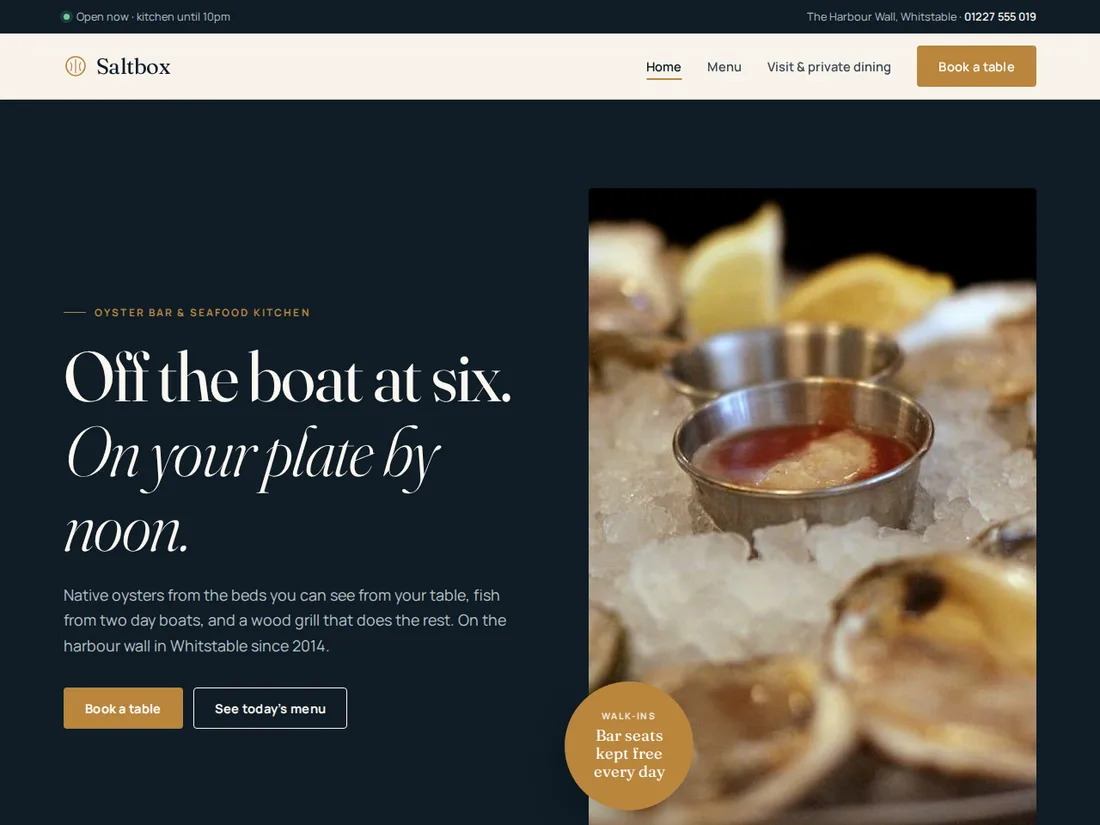 Premium Live preview
Saltbox
Seafood restaurant & oyster bar
A photo-led site for a seafood restaurant: a daily catch board, a filterable menu, a booking flow with real time slots and a private dining page.
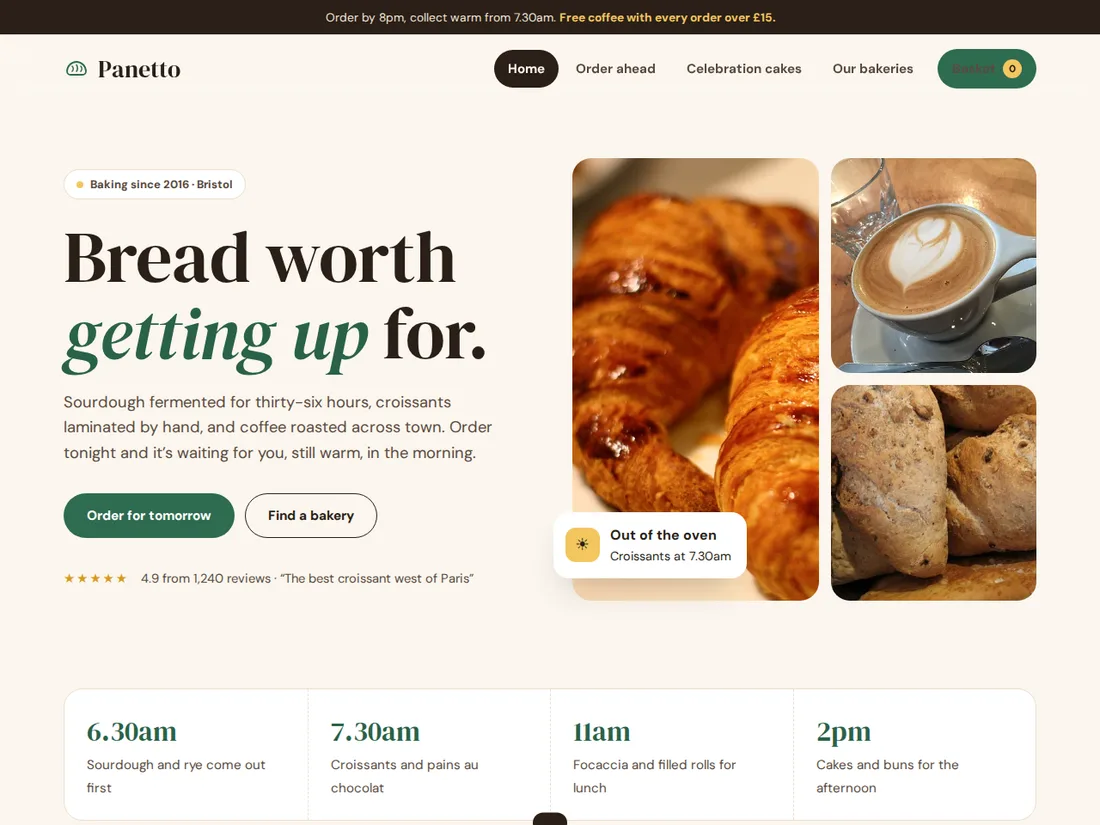 Pro Live preview
Panetto
Bakery & café with order-ahead
A warm bakery site that takes orders for collection: a basket with pickup by shop, day and time, a cake builder that prices itself, and live opening hours.
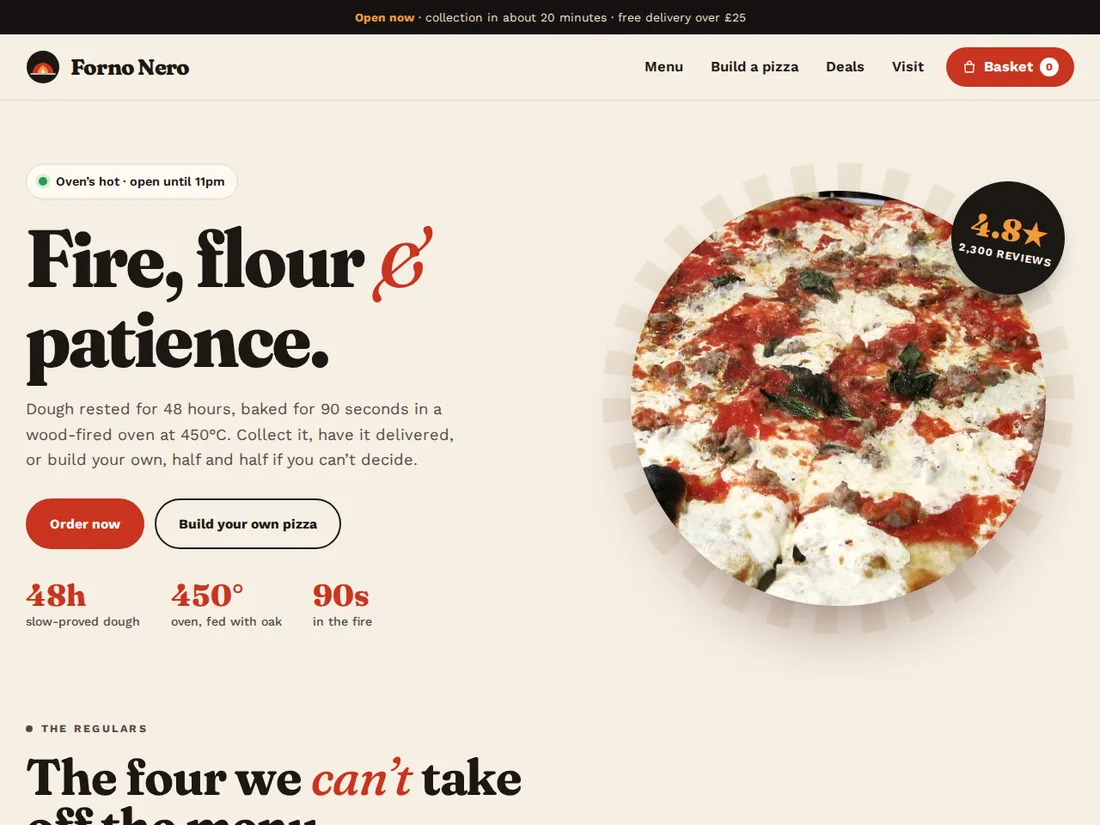 Pro Live preview
Forno Nero
Pizzeria & takeaway with online ordering
A warm, photo-led pizzeria site with live open status, a filterable menu and basket, a build-your-own page that draws the pizza as you add toppings (half and half too), delivery zones and checkout.